 Skip to content
Who is this guide for?
For players reviewing past bets and results, or reporting a round that did not settle. New to the platform? Our 13L Game app overview covers the basics first.
Quick facts
| Item | Details |
|---|---|
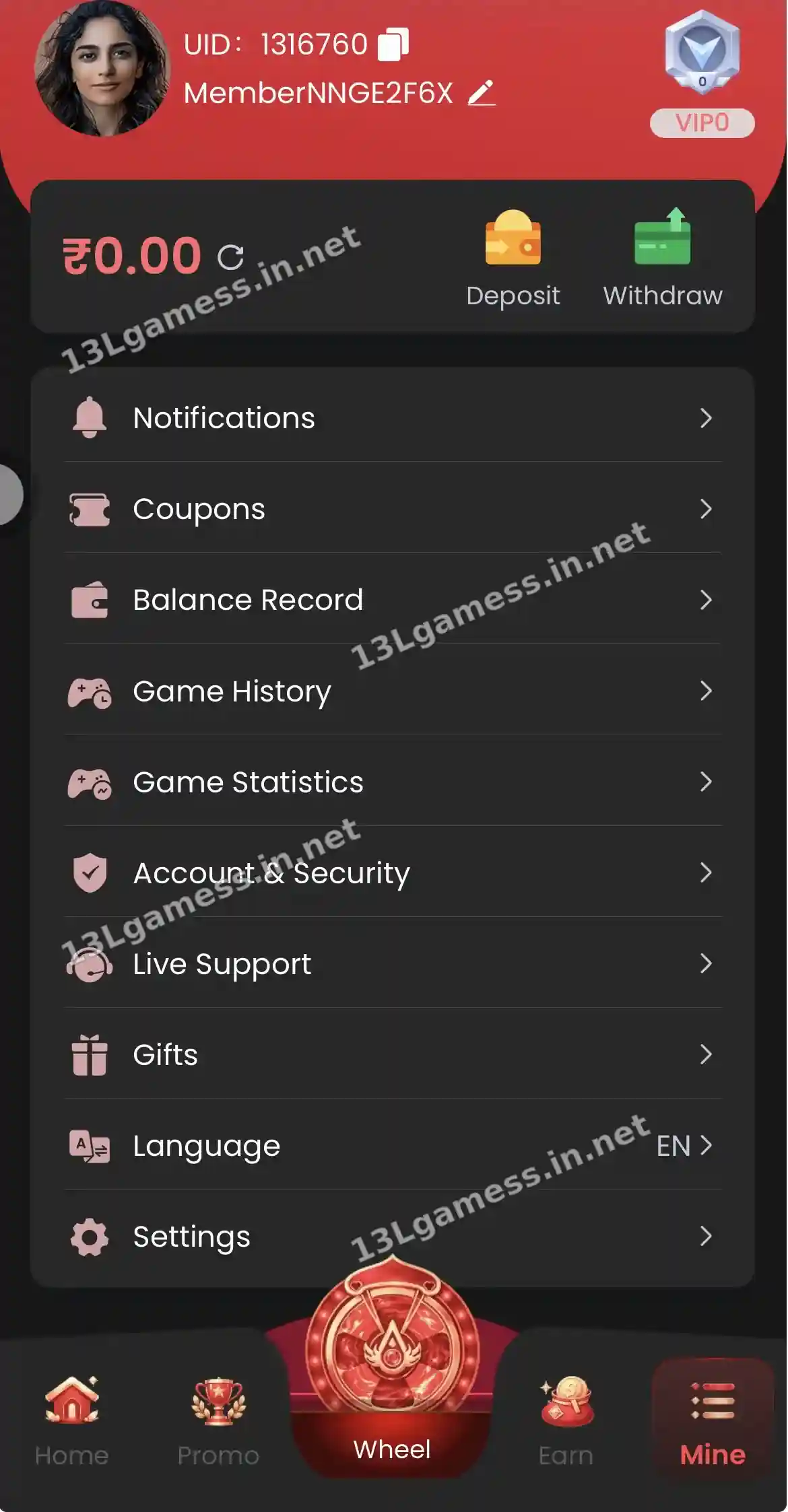
| Bet history | Mine → Game History |
| Totals | Mine → Game Statistics |
| Round problems | Self Service → Game Problems |
| Money movements | Mine → Balance Record |
Ready to open 13L Game?
These buttons open the 13L Game site and may be affiliate links. We are not the operator. 18+ only.
Step by step
- Open Mine → Game History.
- Choose the game or date.
- Check each bet, result and payout.
- Open Game Statistics for totals.
- Report an unsettled round via Self Service → Game Problems.
Locate the correct round
Filter by date or game when controls are available. Record the game name, round or issue ID, timestamp, entry amount, displayed result and resulting balance movement.
Understand what history can show
History documents what the system recorded; it does not prove a future pattern or provide a prediction method. A sequence of earlier colours, cards or multipliers does not guarantee the next outcome.
Dispute a record clearly
Describe one round per support request. Attach the relevant history row and explain the mismatch between the rule, result screen and balance record. Avoid sending passwords or a full unredacted account export.
Use statistics responsibly
Statistics can summarize past activity but should not be treated as an income plan. Set a spending limit from your real budget, not from a belief that recent losses make a win due.
Common problems and fixes
| Problem | Fix |
|---|---|
| Round not settled | Wait a few minutes, then use Game Problems |
| Bet not shown | Refresh and check Balance Record |
| Totals look high | Use them to set a lower limit next time |
Frequently asked questions
Can game history predict the next result?
No. Historical outcomes do not guarantee the next independent result.
What if a round is missing?
Refresh the record after the stated update window, preserve the approximate time and contact verified support with the game and transaction details.
Where can I see my Wingo bets?
In the game’s own history panel and in Mine → Game History.
Does Game Statistics show profit or loss?
It summarises your play. Compare it with your deposits for an honest picture.
Can I delete my game history?
No. Records are kept by the platform.
Key takeaways
- Game History lists bets; Game Statistics shows totals.
- Report unsettled rounds via Game Problems.
- Use totals honestly to set limits.
