 Skip to content
Who is this guide for?
For players adding a UPI ID for withdrawals or replacing an old one.
Quick facts
| Item | Details |
|---|---|
| Add first time | Withdraw → Add Withdrawal Account → ARUPI |
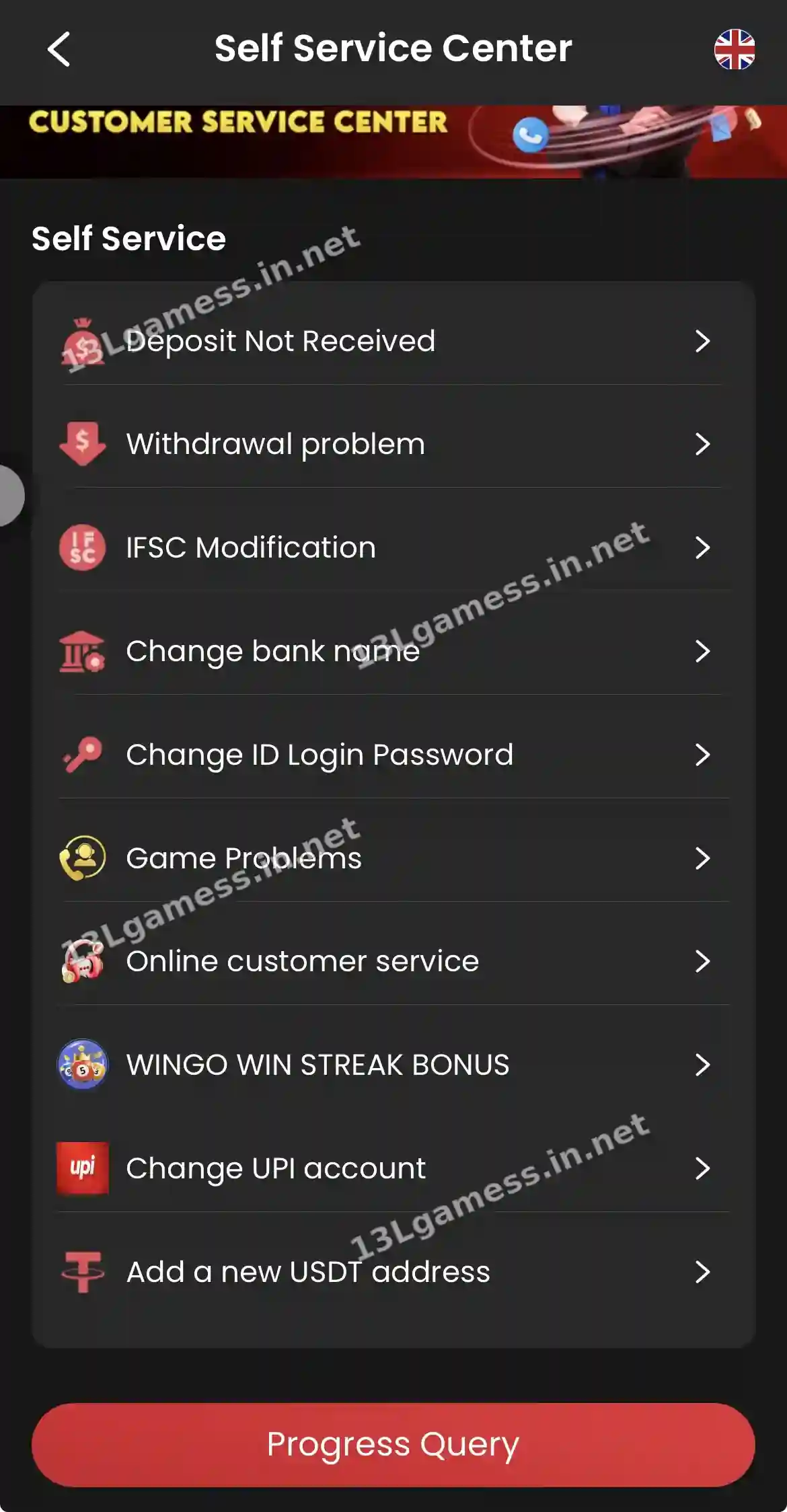
| Change existing | Self Service → Change UPI account |
| Name | Must match your own bank account |
| Never share | UPI PIN |
Ready to open 13L Game?
These buttons open the 13L Game site and may be affiliate links. We are not the operator. 18+ only.
Step by step
- Copy your UPI ID from PhonePe, Google Pay, Paytm or BHIM.
- Open Self Service → Change UPI account (or Add Withdrawal Account).
- Paste the UPI ID and check every character.
- Submit and wait for any review.
- Make a small ₹200 test withdrawal.
Prepare the correct identifier
Copy the UPI ID from your banking or payment app. Confirm every character and ensure the name associated with it is consistent with current account requirements.
Complete verification yourself
A change may trigger an OTP, password check or review. Enter codes only in the verified interface. Support may explain the process but should not ask you to read out a UPI PIN.
Check before withdrawing
After a change, review the masked destination and any waiting period. Submit only when the destination clearly belongs to you and the live method is supported.
If the old account is unavailable
Do not add a stranger’s UPI ID as a temporary workaround. Use the current support process and ask what ownership or modification evidence is accepted.
Common problems and fixes
| Problem | Fix |
|---|---|
| UPI ID rejected | Check the handle (e.g. @ybl, @okaxis) and spelling |
| Name mismatch | Use a UPI linked to an account in your name |
| Change pending | Track with Progress Query |
Frequently asked questions
Can a UPI PIN be used to receive money?
You generally do not enter a UPI PIN merely to receive money. A PIN authorizes an outgoing action.
Why is the new UPI account pending?
Security review, name matching or a waiting period may apply. Check the live status and verified support route.
Can I use someone else’s UPI ID?
No. Use a UPI ID in your own name to avoid rejection.
Does 13L Game need my UPI PIN?
Never. The PIN is only entered inside your own UPI app.
How long does a UPI change take?
It may be reviewed. Track it in Progress Query.
Key takeaways
The short version of this page. For the full picture, start at our 13L Game register homepage.
- Use Change UPI account in Self Service.
- The UPI must be in your own name.
- Your UPI PIN is never needed.
