 Skip to content
Who is this guide for?
For players who no longer remember their 13L Game password or want to change it safely.
Quick facts
| Item | Details |
|---|---|
| Where to start | Forgot Password link on the login screen |
| What you need | Registered +91 number and access to its SMS |
| New password rule | 8–15 letters and numbers |
| When logged in | Self Service → Change ID Login Password |
Ready to open 13L Game?
These buttons open the 13L Game site and may be affiliate links. We are not the operator. 18+ only.
Step by step
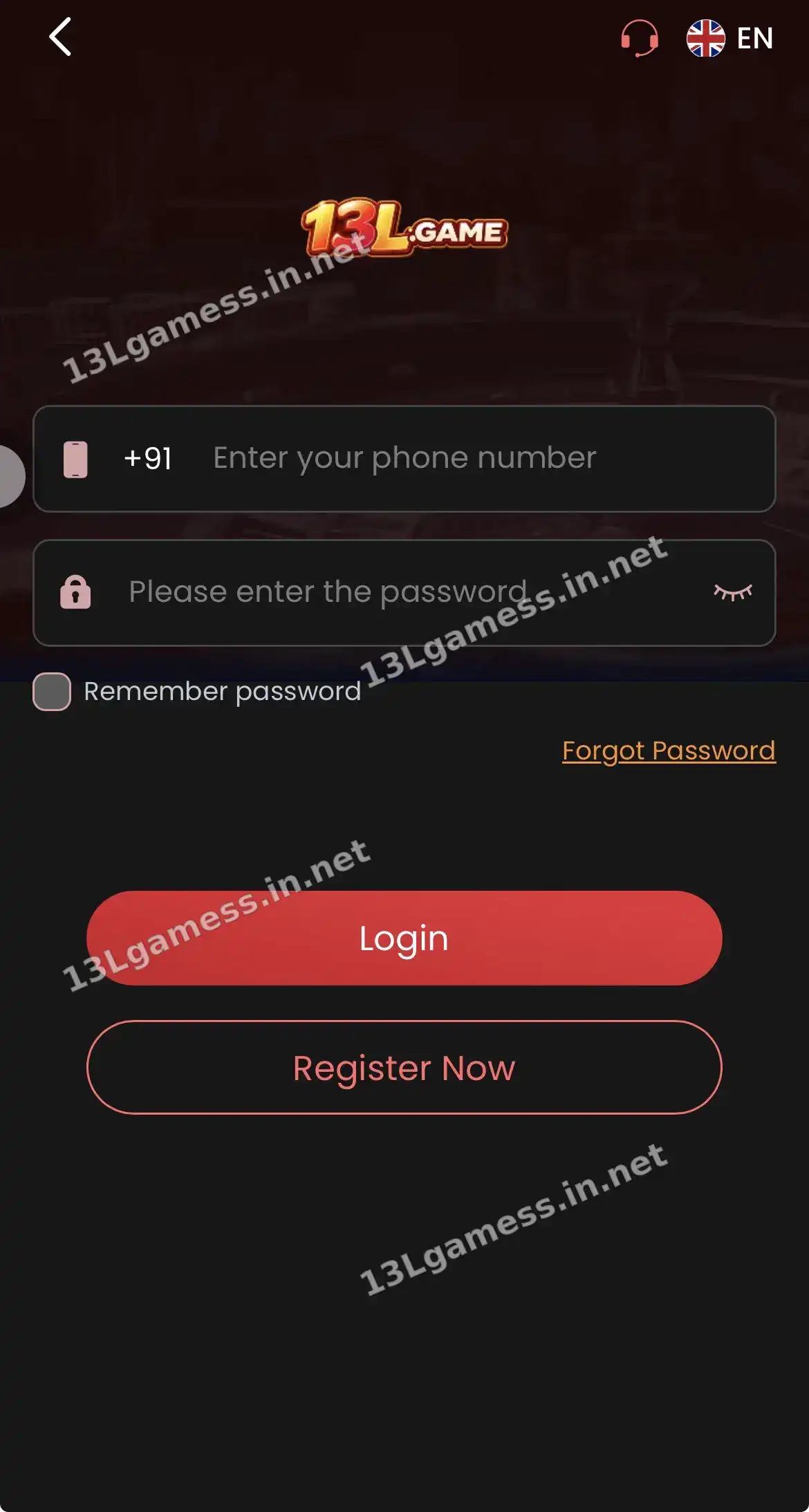
- Tap Forgot Password on the 13L Game login screen.
- Enter the +91 number linked to your account.
- Request one code and wait for the SMS.
- Enter the code only on the 13L Game screen.
- Create a new, unique 8–15 character password and confirm it.
- Log in and review Balance Record for unknown activity.
Prepare for recovery
Use the same phone number attached to the account and make sure the SIM can receive messages. Begin from a domain you independently verified—not a recovery link sent by a stranger.
Complete the reset carefully
Request one code, wait for it to arrive, enter it only on the verified screen and create a new password. Avoid requesting many codes because the newest code may invalidate earlier ones.
- Do not share the recovery code with support.
- Do not reuse the old password.
- Store the new password in a reputable password manager.
- Sign out of devices you do not recognize.
If the code does not arrive
Check the phone number, signal, blocked-message folder and device time. Wait for the displayed cooldown before retrying. If the SIM is inactive or lost, ask verified support what ownership evidence is accepted; do not send documents to a personal chat account.
After access is restored
Review account records, linked payment details and recent activity. Change any other account that reused the compromised password and preserve evidence of changes you did not make.
Common problems and fixes
| Problem | Fix |
|---|---|
| Code not received | Check signal, SMS blocking and the number; wait for the timer |
| Code expired | Request a new one and use the latest code only |
| Number no longer active | Contact Live Support with your UID |
| Reset link from a stranger | Ignore it — start only from the login screen |
Frequently asked questions
Can support tell me my old password?
A secure system should not reveal an existing password. Recovery should create a new one.
What if I no longer control the registered number?
Use only the verified support route and ask about the current account-ownership process. Approval is not guaranteed.
Can 13L Game support tell me my old password?
No. Secure systems only let you set a new password.
Can I reset my password without OTP?
If you are still logged in, use Change ID Login Password in Self Service.
How often should I change my password?
Change it immediately if you shared it or suspect misuse.
Key takeaways
The short version of this page. For the full picture, start at our 13L Game register homepage.
- Start from Forgot Password on the login screen.
- Enter the code only on the 13L Game screen.
- Use Change ID Login Password if you are still logged in.
