 Skip to content
Who is this guide for?
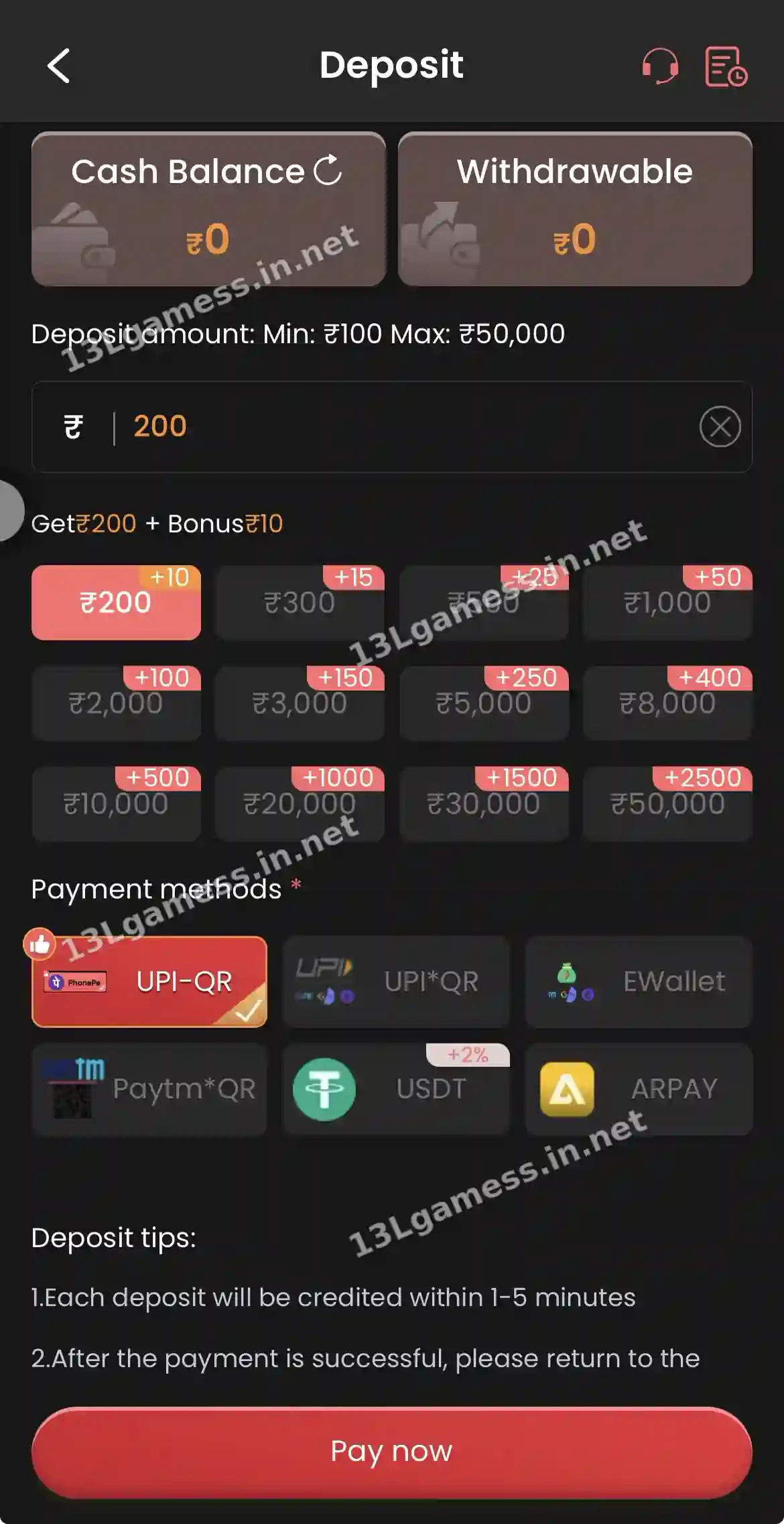
For players whose 13L Game deposit left their bank but has not appeared in their balance.
Quick facts
| Item | Details |
|---|---|
| Normal credit time | 1–5 minutes (app deposit tip) |
| Claim form | Self Service → Deposit Not Received |
| Track | Progress Query |
| Key evidence | UTR / reference number and payment screenshot |
Ready to open 13L Game?
These buttons open the 13L Game site and may be affiliate links. We are not the operator. 18+ only.
Step by step
- Wait at least 5 minutes and refresh Cash Balance.
- Open your UPI or bank app and check the payment status.
- If it says Success, copy the 12-digit UTR.
- Open Self Service → Deposit Not Received.
- Enter the amount, time and UTR, and attach the screenshot.
- Check Progress Query instead of filing duplicates.
Do not repeat the payment
A delayed credit can tempt users to submit the amount again. First confirm the original transaction state in the bank or wallet and compare its timestamp with the platform balance record.
Collect the right details
Prepare the transaction reference, amount, approximate time, method and a redacted confirmation screenshot. Hide balances, unrelated transactions, full card numbers and other private data.
Use the matching support route
The self-service screen includes Deposit Not Received. Open it from the authenticated account, submit one clear case and keep the progress reference. Multiple duplicate cases can make tracking harder.
Understand common outcomes
The payment may credit later, remain pending, fail or reverse to the source. Only the bank/payment provider and verified platform record can establish the final state.
Common problems and fixes
| Problem | Fix |
|---|---|
| Bank shows Success, 13L shows nothing | File Deposit Not Received with UTR |
| Bank shows Pending | Wait for the bank to confirm or reverse |
| Bank shows Failed | No claim needed — the bank refunds automatically |
| Paid a wrong QR | Contact your bank; report at 1930 if it was a scam QR |
Frequently asked questions
Should I make a small second payment to activate the first?
No. That is not a safe troubleshooting method and may create another unresolved transaction.
What if the bank says successful?
Use the reference and redacted evidence in the verified deposit-not-received route, then retain the ticket.
How long does a 13L Game deposit claim take?
It depends on verification with the payment provider. Track it in Progress Query.
Should I deposit again?
No. A second payment does not speed up the first.
What is a UTR number?
A 12-digit reference shown in your UPI app for each payment.
Key takeaways
The short version of this page. For the full picture, start at our 13L Game register homepage.
- Wait the 1–5 minute window first.
- Claim with the UTR via Deposit Not Received.
- Never pay a second time to fix the first.
